Know what fills your Mac,
and how fast.
Storage Monitor & CleanUp tracks your disk over time, shows which folders grow, finds duplicates and helps you tidy up.
Get it for $9.99How it works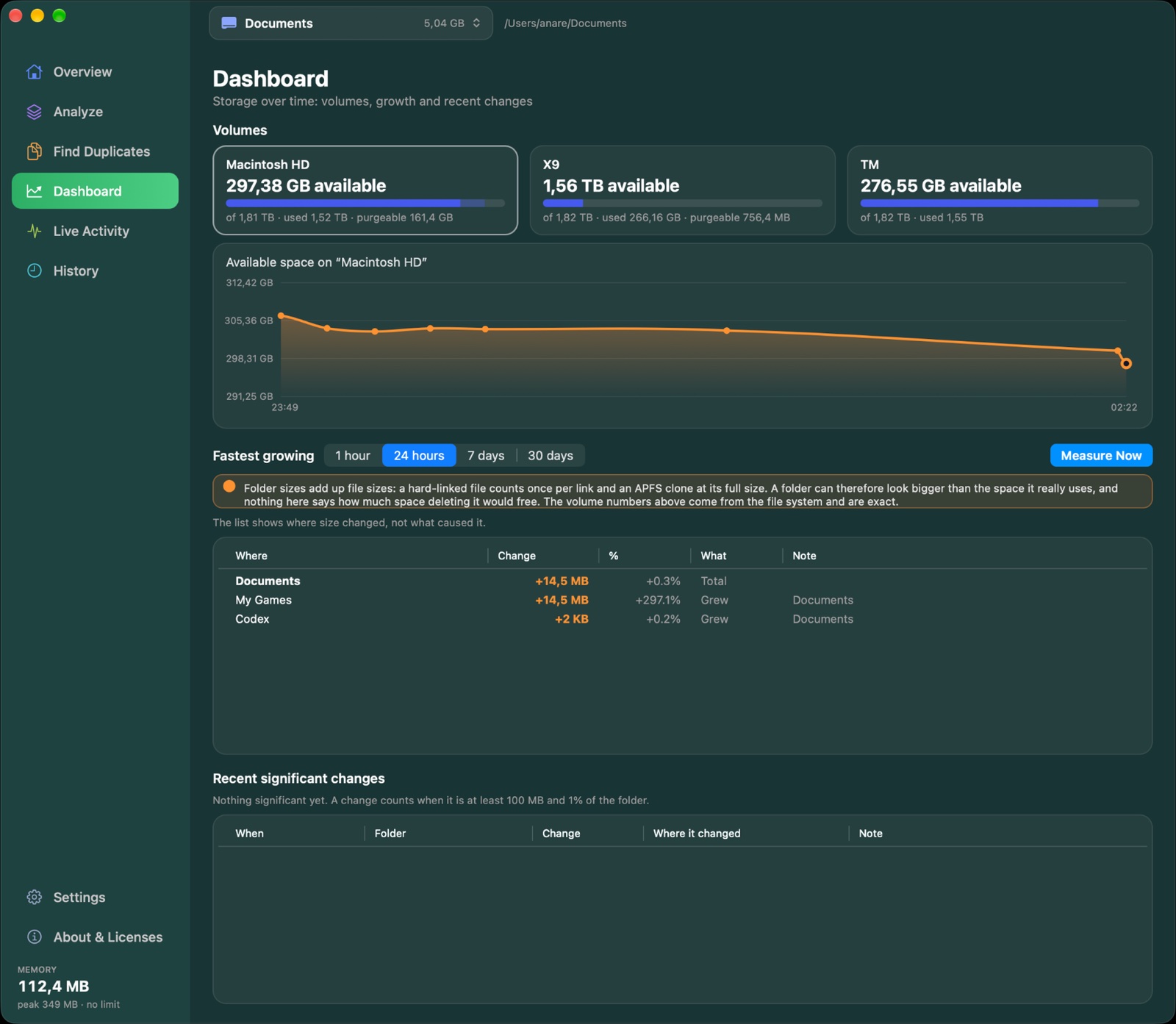
Everything about your disk, in one place
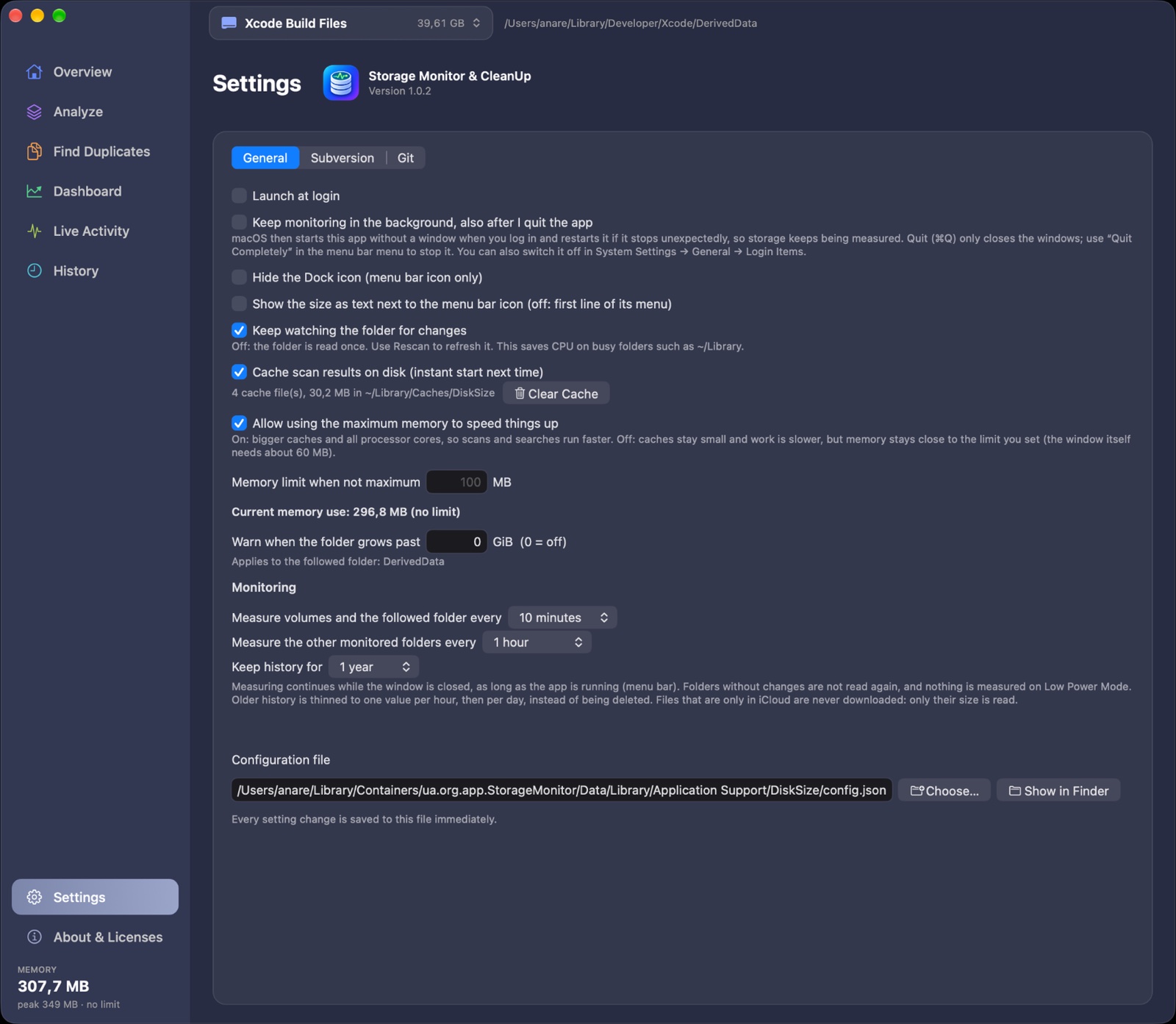
Eight pages, one sidebar, a keyboard shortcut for each.
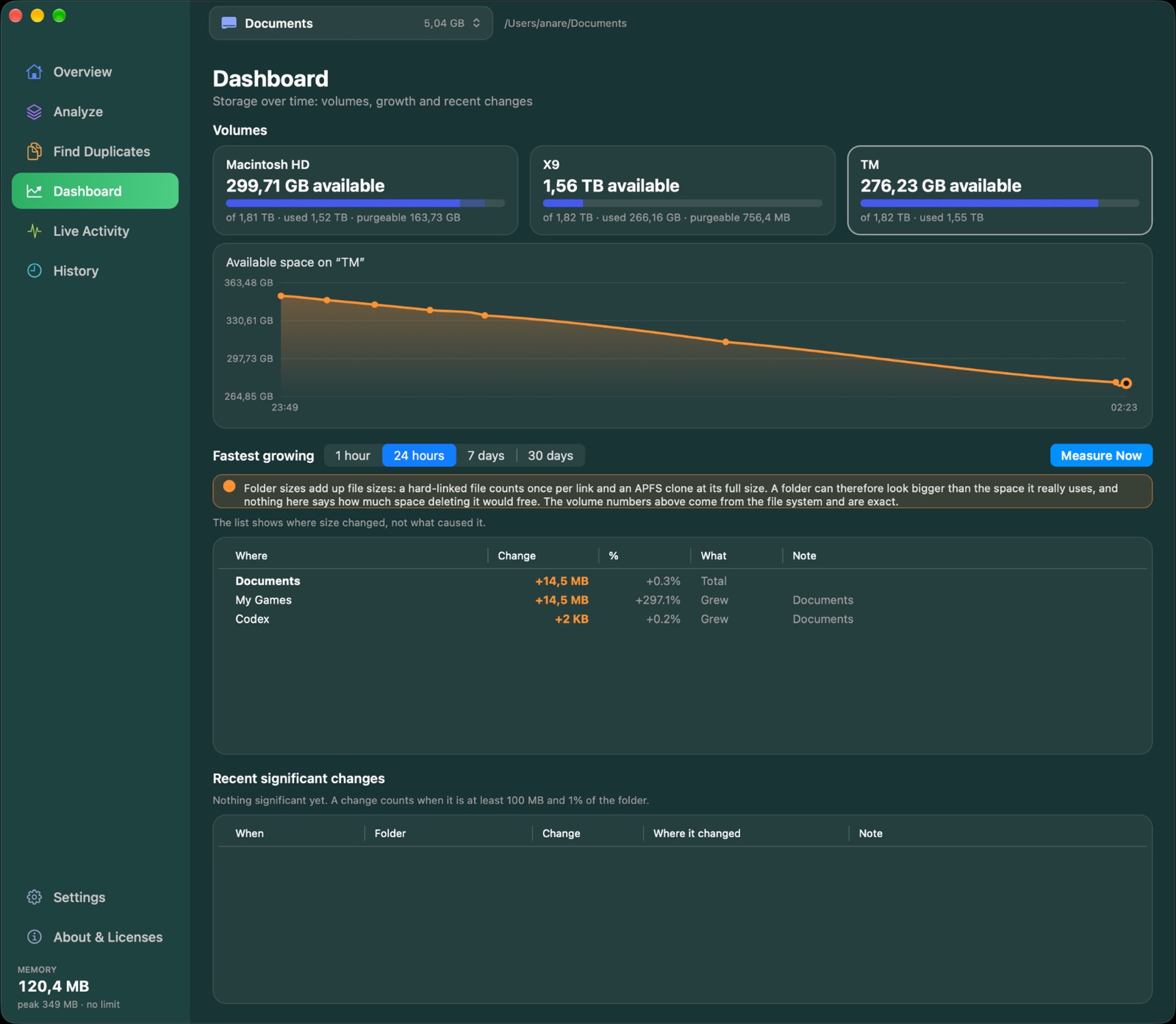
Dashboard
Every mounted volume with its free space and history, plus the folders that grew fastest in the last hour, day, week or month.
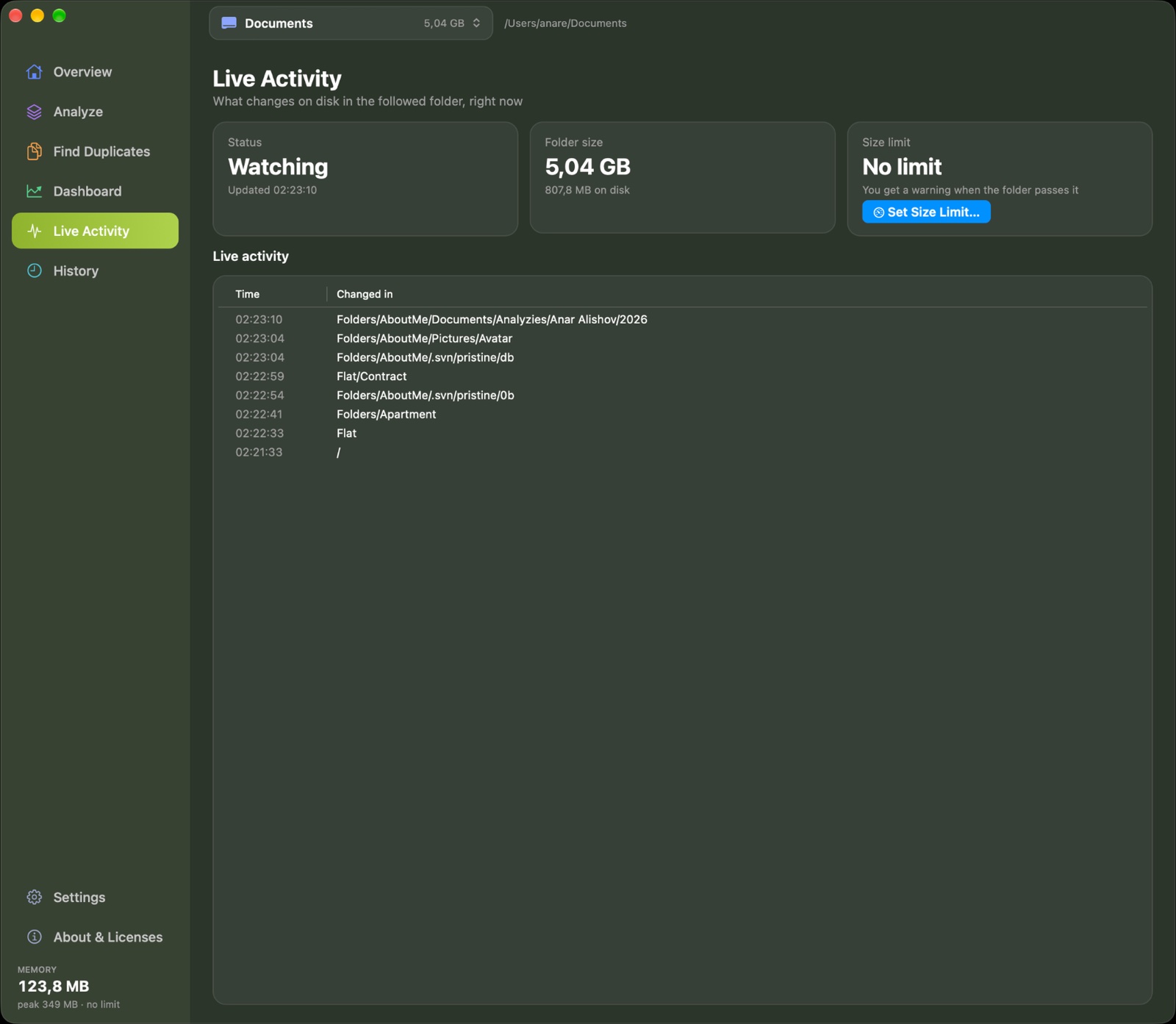
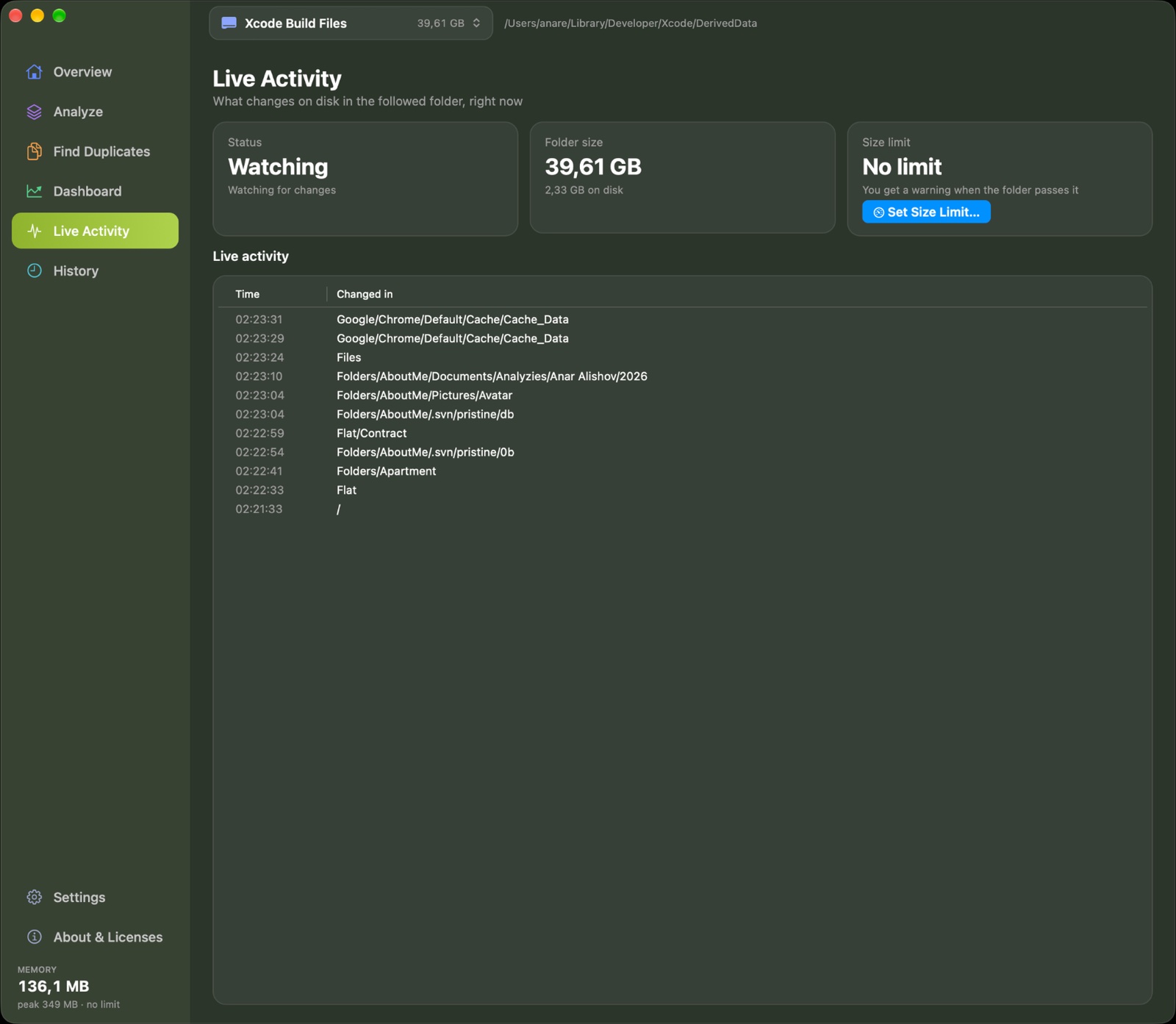
Live Activity
A live feed of what changes in the folder you follow, with size cards and an optional size limit.
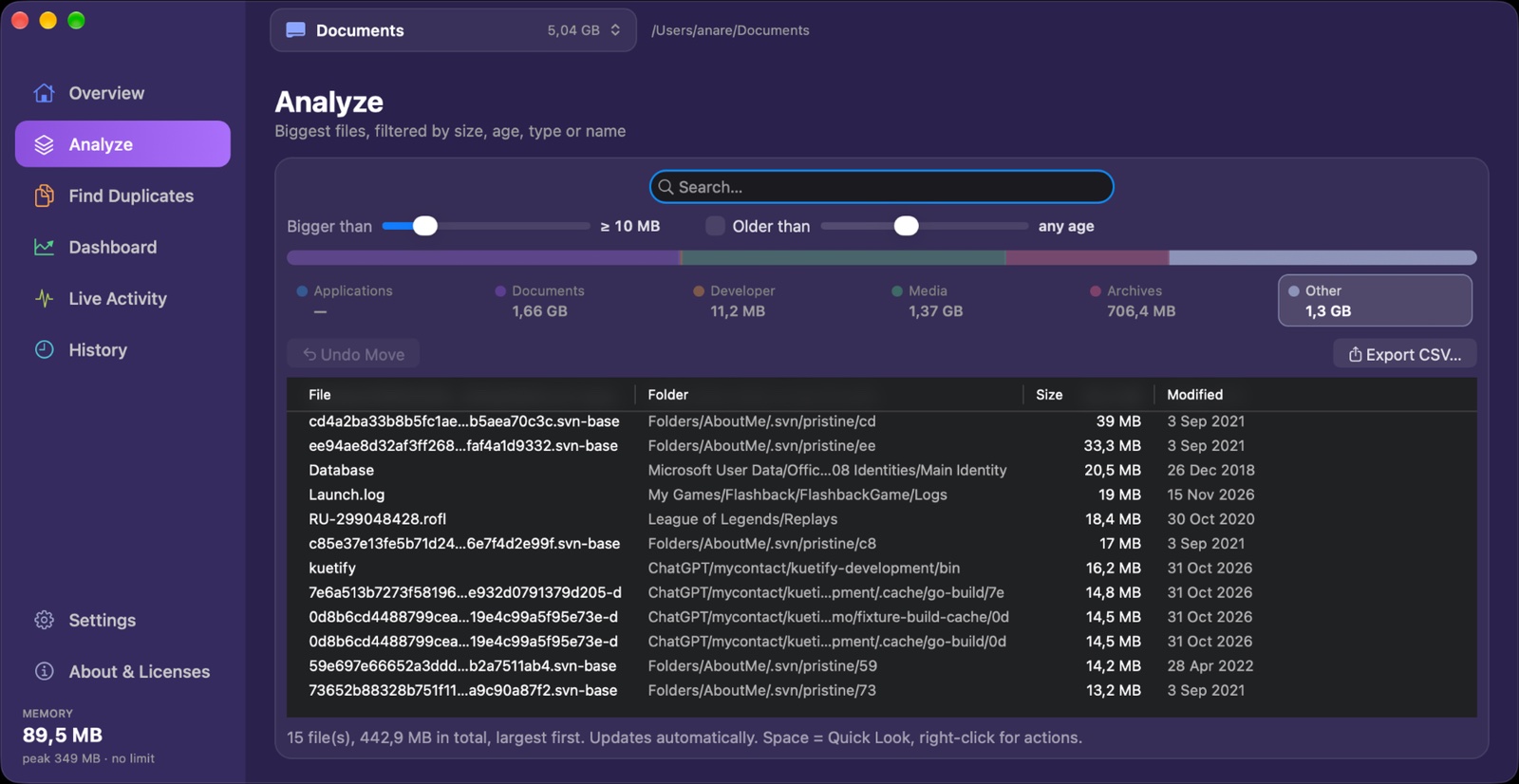
Analyze
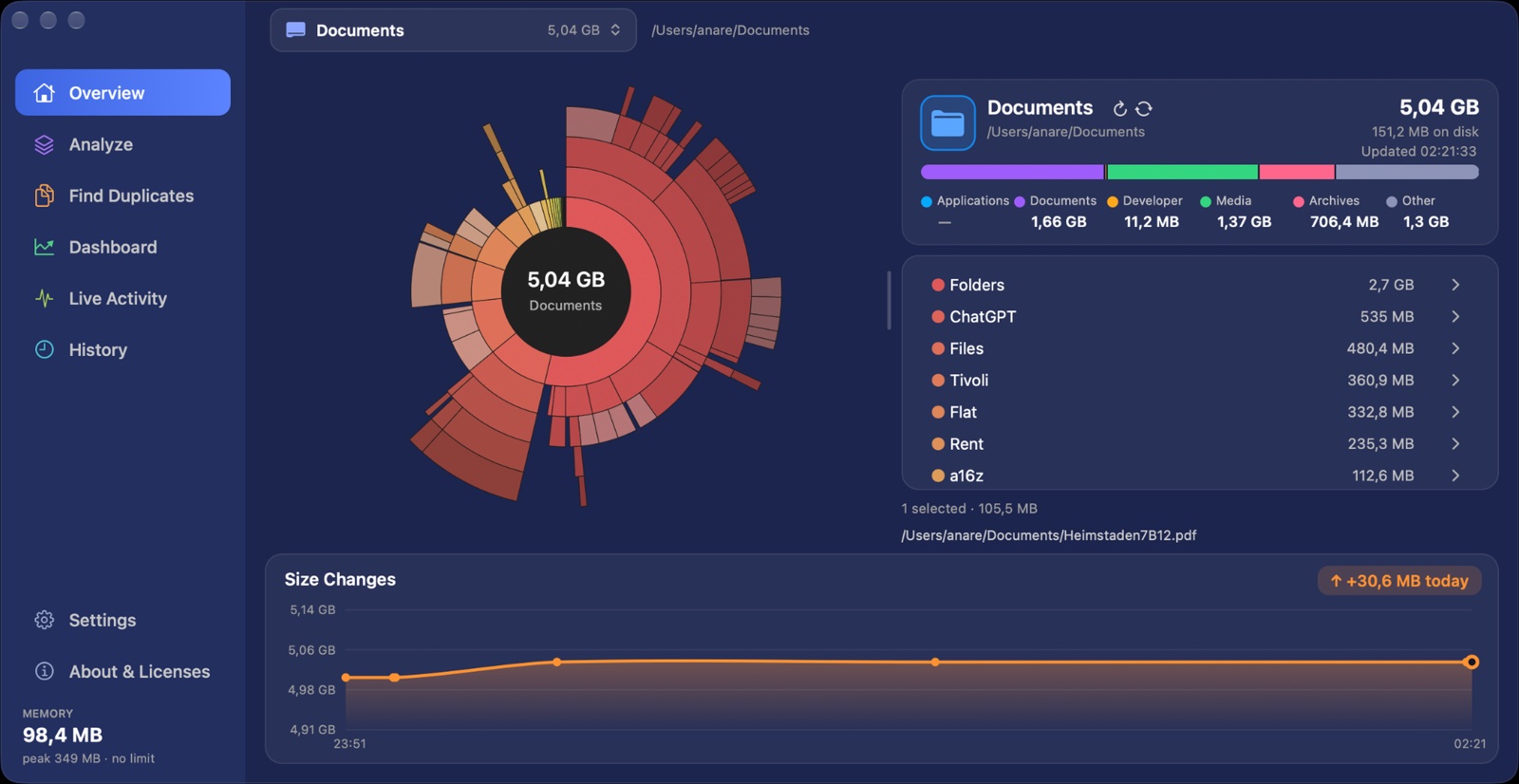
Find the biggest folders and files, drill down and open them in Finder.
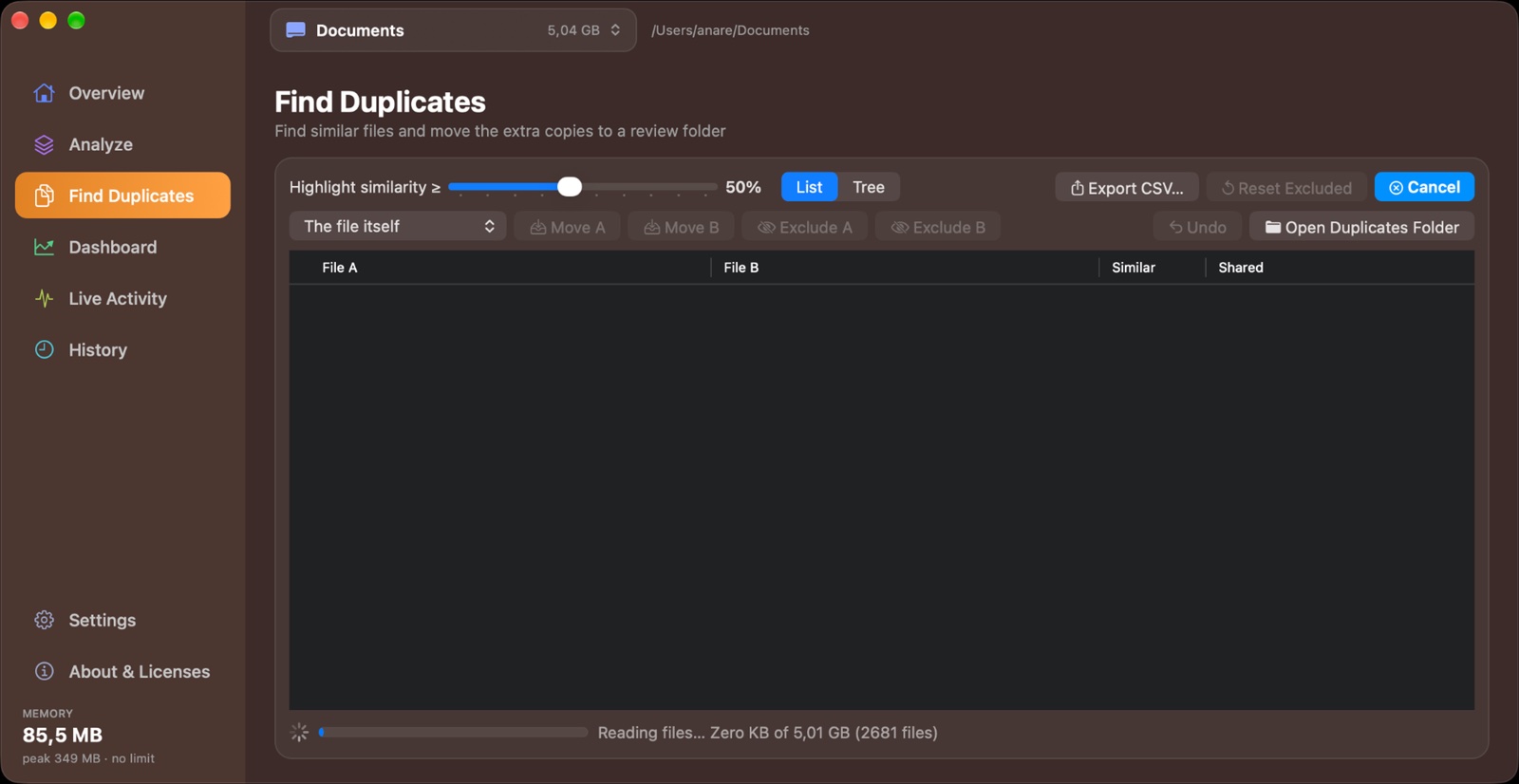
Find Duplicates
Locate identical files across your folders and decide what to keep.
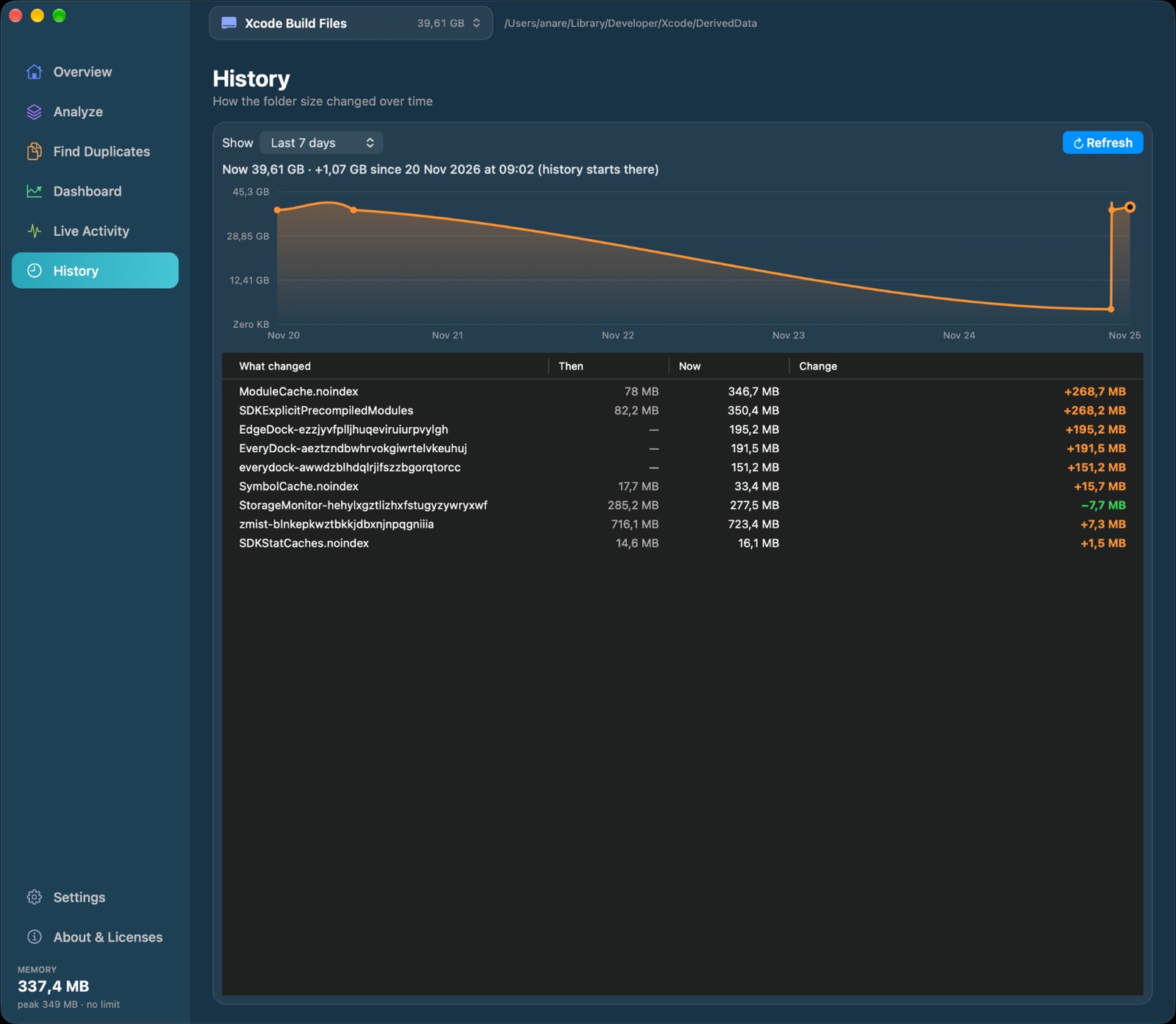
History
Up to a year of folder and volume history, thinned automatically so it stays small.
Background monitoring
Optionally keep sampling after you quit, as a normal login item you can switch off.
SVN and Git
Repository status next to your disk usage, using tools already on your Mac.
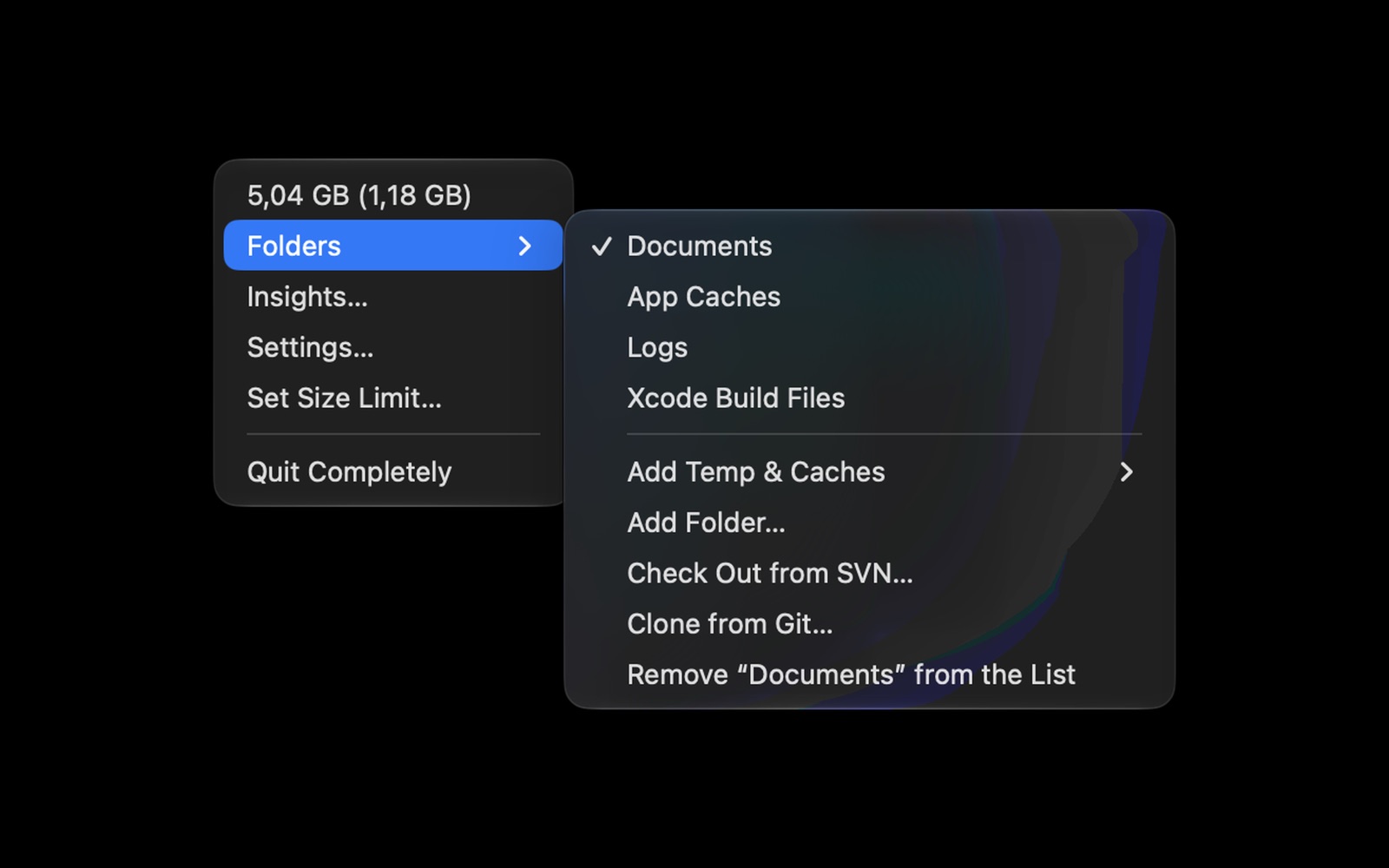
Menu bar
Free space and folder size at a glance.
Screenshots
Click an image to enlarge.
Private by design
Your files and your disk data stay on your Mac. Read the privacy policy.
No account, no tracking
No analytics, no ads, nothing uploaded.
You choose the folders
Runs in the macOS App Sandbox and reads only folders you add. No Full Disk Access.
Sizes only
File contents are never read, so cloud-only files are not downloaded.
Mac App Store · price may vary by region
- All features included
- No subscription, no ads
- No account, no tracking
View on the Mac App Store